Parish
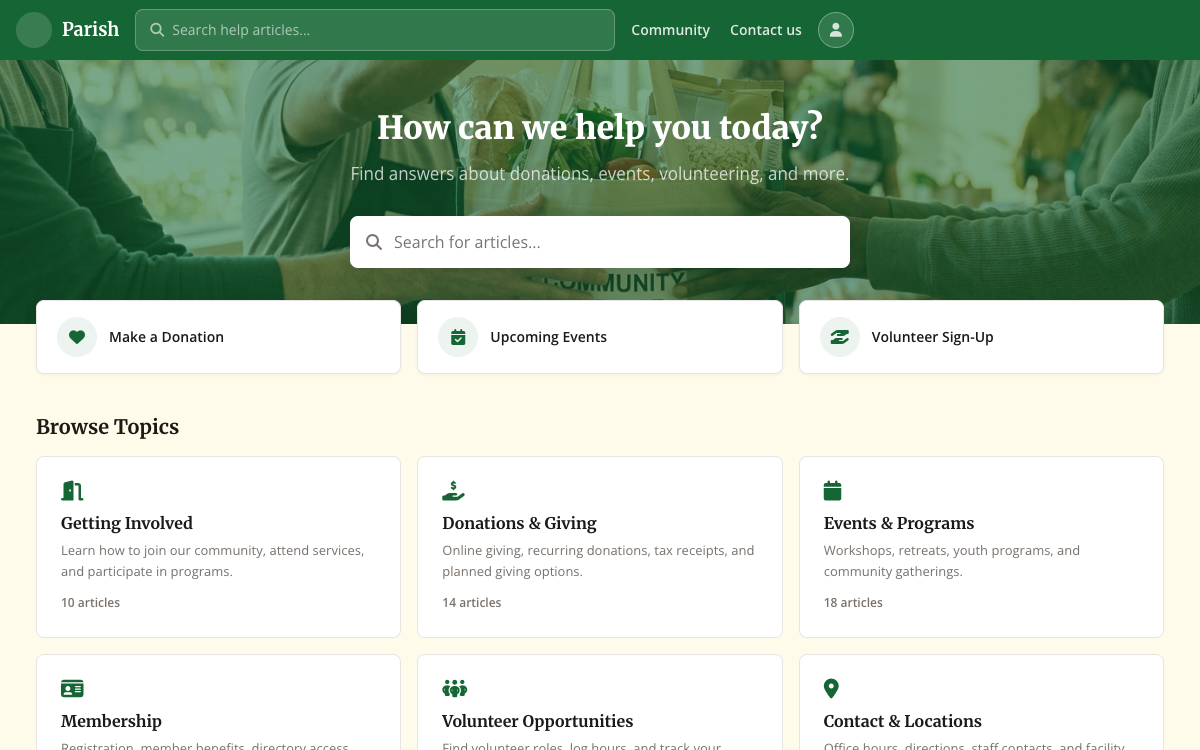
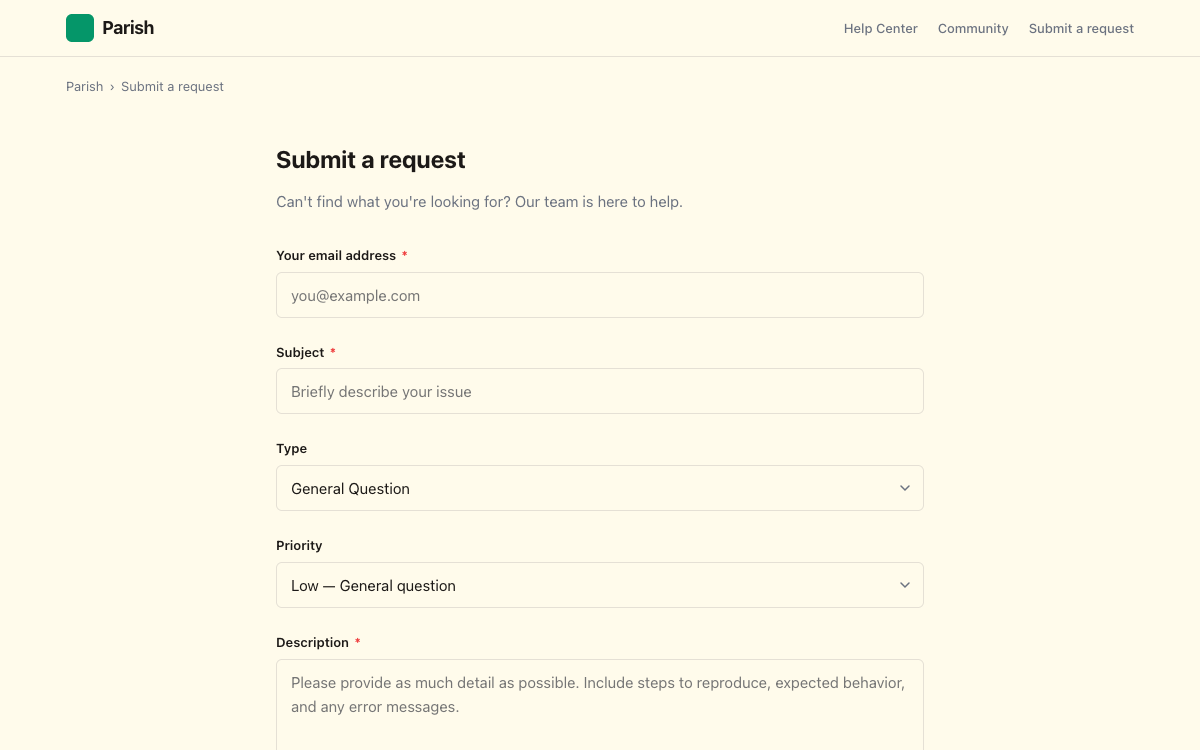
Dignified and approachable -- for organizations that serve communities, not customers. Warm serif headings, accessible layouts, and the kind of clarity that builds trust. Forest green and amber on warm cream, with generous spacing that invites reading.
Design Philosophy
Dignified and approachable. Generous spacing, serif headings for gravitas, clear CTAs. Approachable without being casual.
Color Palette
Features
Typography
What's Included
20 Templates
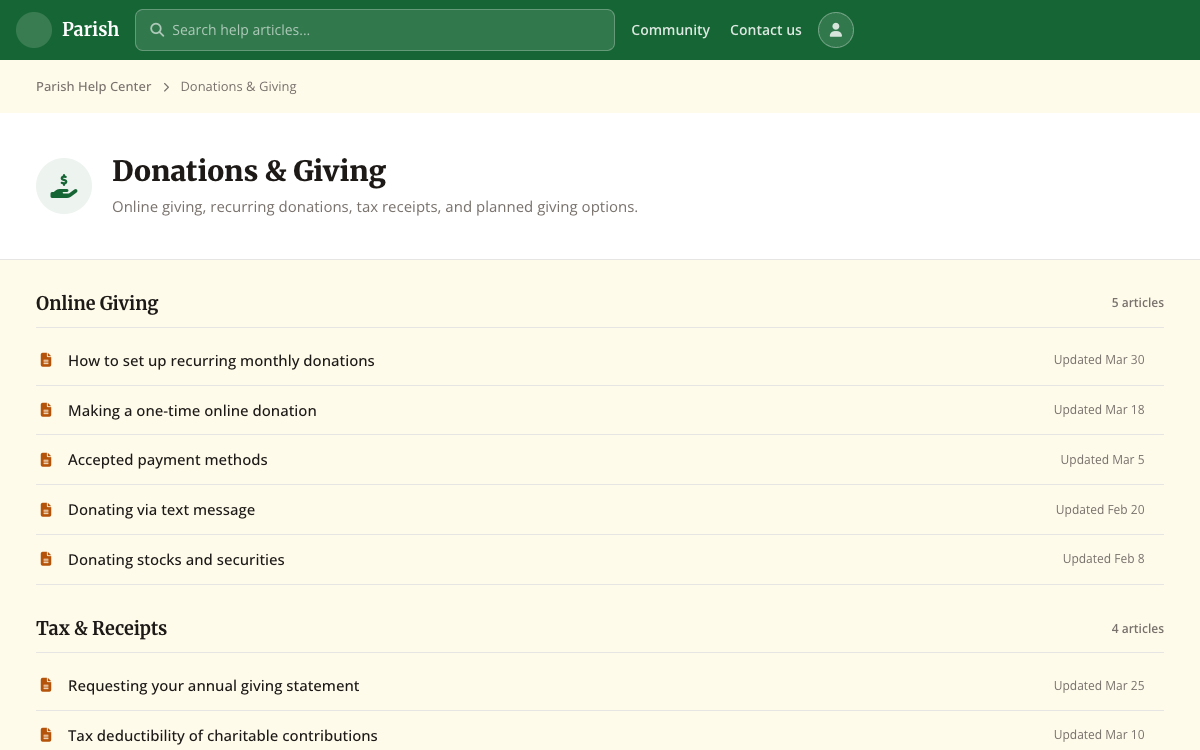
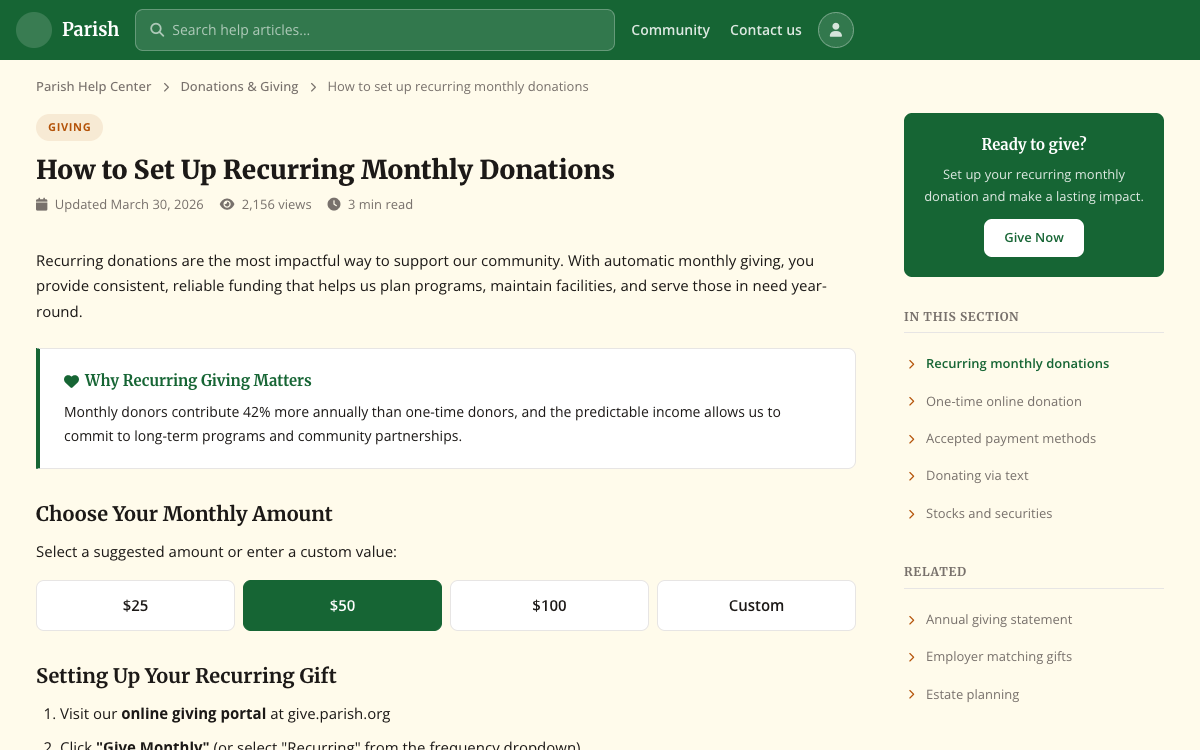
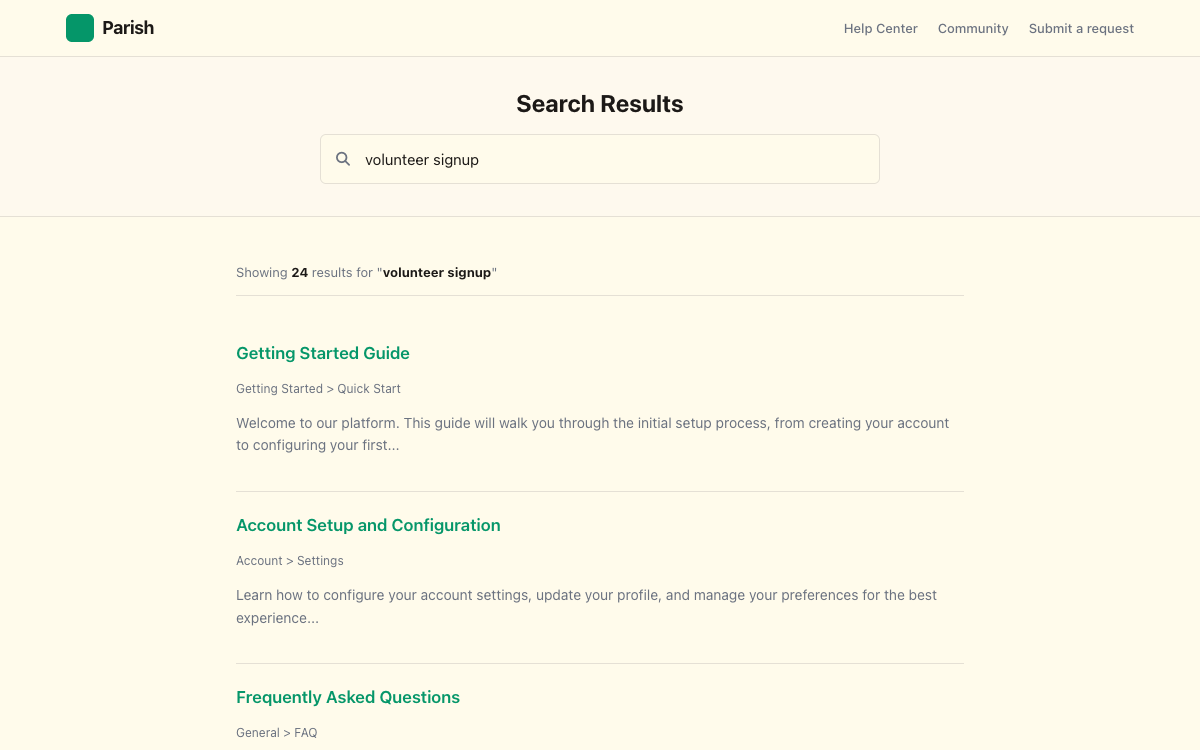
Every required Zendesk page: homepage, articles, categories, search, requests, community, profiles, and more.
Full Source Code
Clean, commented CSS, JavaScript, and Handlebars templates. No obfuscation. Customize anything.
Configurable Settings
Change colors, fonts, logos, and layout options from the Zendesk admin panel. No code required.
Mobile-First Responsive
Designed for phones first, then scales up. Looks great on every device your customers use.
Instant & AI Search
Built-in support for Zendesk's instant search and generative AI answers out of the box.
Free Updates
Bug fixes and Zendesk compatibility updates included. Your theme stays current as the platform evolves.
Frequently Asked Questions
What's included in the download?
Every theme includes all 20 required Zendesk Help Center templates, a fully responsive stylesheet, JavaScript for progressive enhancement, a manifest with configurable settings, translation files, and placeholder assets. It's a complete, production-ready theme. Just import it into your Zendesk Help Center.
How do I install the theme?
Download the ZIP file, go to your Zendesk Admin Center → Guide → Customize design → Add theme → Import theme, and upload the ZIP. Your new theme will appear in the theme list ready to customize and publish.
Can I customize the colors and fonts?
Yes. Every theme includes a full settings panel accessible from the Zendesk theme editor. You can change brand colors, fonts, logo, hero images, and layout options without touching any code. For deeper customization, you have full access to the source CSS, JavaScript, and templates.
Do I get the source code?
Yes. You receive the complete source code: all Handlebars templates, CSS, JavaScript, and configuration files. There's no obfuscation or compiled output. You can modify anything.
Will this work with my Zendesk plan?
These themes work with any Zendesk plan that includes Guide (Help Center). That includes Suite Team, Suite Growth, Suite Professional, and Suite Enterprise plans.
Do you offer support?
Yes. Your purchase includes email support for installation and configuration questions. We're happy to help you get set up. Support does not cover custom code modifications or third-party integrations.
Can I use this for a client project?
Yes. Each license covers one Zendesk Help Center instance. If you're an agency purchasing for a client, the license transfers to the client's instance. You'll need a separate license for each client.
Are updates included?
Yes. Your purchase includes updates and bug fixes for the version you purchased. We maintain compatibility with Zendesk platform changes and release patches as needed.